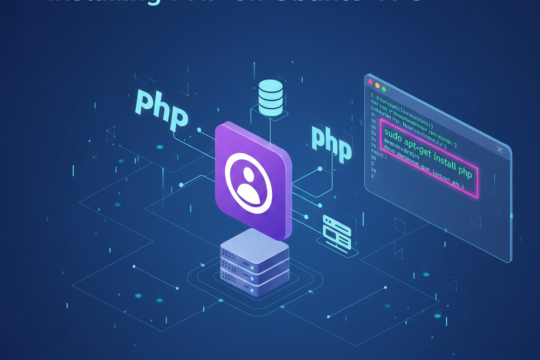
Installing PHP on Ubuntu VPS – Complete AVIOX Cloud Setup Guide
Install and configure PHP on your AVIOX Cloud Ubuntu VPS with this complete guide. Learn how to install PHP-FPM, essential extensions, version switching, configuration tweaks, optimization, and integration with Nginx or Apache for a fast and secure PHP environment.
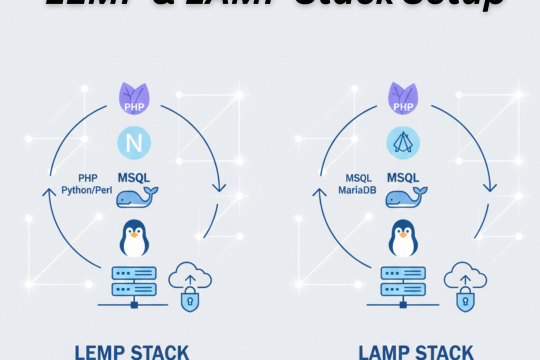
LEMP vs LAMP Stack Setup on AVIOX Cloud – Complete Step-by-Step Guide
Learn how to set up both LEMP and LAMP stacks on your AVIOX Cloud VPS. This guide covers installing Nginx, Apache, MySQL/MariaDB, PHP, and essential configuration steps for a stable web server environment. Ideal for hosting WordPress, custom PHP apps, and optimized websites on AVIOX Cloud.

Backing Up WordPress with UpdraftPlus, Jetpack, BlogVault & Duplicator – Complete Guide
Learn how to back up your WordPress website using top plugins like UpdraftPlus, Jetpack, BlogVault, and Duplicator. These tools offer automated backups, one-click restores, cloud storage support, and full site protection—ensuring your data stays safe and recoverable at all times.
Using Plesk for Backups: Complete AVIOX Cloud Guide
Plesk’s built-in backup manager lets you easily protect websites, databases, emails, and server settings. With scheduled backups, remote storage options, and automated restoration tools, Plesk ensures your data stays safe and recoverable on AVIOX Cloud with minimal setup.
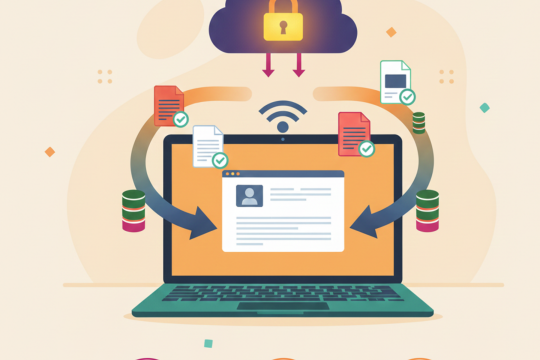
Top Backup Strategies to Prevent Data Loss: A Complete Guide
Data loss can happen at any time due to hardware failures, accidental deletion, cyberattacks, or software corruption. That’s why every business — small or large — needs a solid backup strategy to keep information safe and recoverable. Effective backup planning reduces downtime, protects against ransomware, and ensures business continuity.
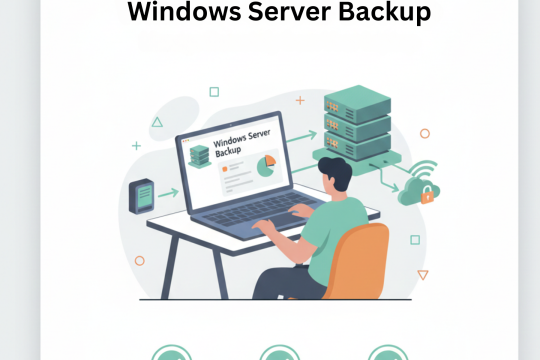
How to Create a Windows Server Backup: Complete Step-by-Step Guide
Creating consistent and reliable backups is essential for maintaining the health and security of any Windows Server environment. Whether you’re managing a small business server or an enterprise-level infrastructure, having a proper backup strategy ensures your data, applications, and system configurations remain safe from unexpected failures.

Linux Backup Guide for Debian & Ubuntu: Essential Methods to Protect Your Data
Backing up your Linux system is one of the most important tasks for ensuring data safety, system stability, and disaster recovery. Whether you are running Debian, Ubuntu, or any other Debian-based distribution, a reliable backup plan protects you against file loss, corruption, system crashes, or accidental deletion. This guide explains the essential backup tools and methods.
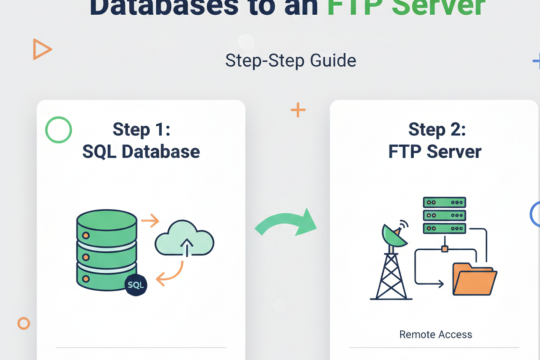
How to Back Up SQL Databases to an FTP Server: A Complete Guide
Backing up SQL databases to an FTP server is a reliable, simple, and cost-effective way to protect your important data. Whether you're managing a website, CRM system, ERP platform, or custom application, your SQL database stores essential information that must be backed up regularly. Using an FTP server allows you to store offsite copies of your data, helping you safeguard against system crashes.

Database Backup & Restore Guide: How AVIOX Cloud Protects Your Critical Data
Database backup and restore processes are essential for ensuring that your applications, websites, and business systems remain secure, stable, and fully recoverable at all times. Databases store your most valuable information — from customer records to transactions, analytics, and system configurations.

Incremental vs Differential Backup: Which Method Offers Faster, Smarter Data Protection?
Incremental and differential backups are two of the most widely used backup methods for businesses that need reliable, efficient, and consistent data protection. Although both are based on a full backup, they behave differently when it comes to speed, storage, and recovery time.
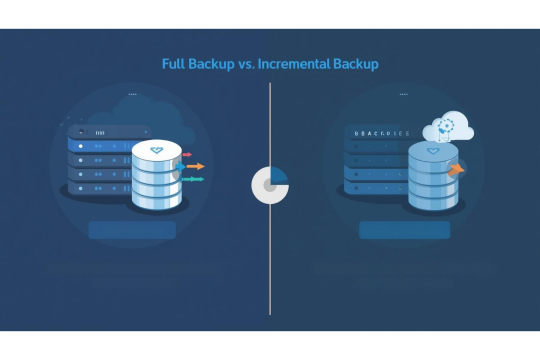
Full vs Incremental Backups: Which Backup Method Is Best for Your Server in 2025?
Understanding the difference between full and incremental backups is essential for designing an efficient and reliable data protection strategy. Whether you run a website, manage cloud servers, or operate a business with critical databases, choosing the right backup method determines how fast you can restore data, how much storage you need, and how much time your backup operations take.

Backup as a Service (BaaS): The Smartest Way to Protect Your Cloud Data
Backup as a Service (BaaS) has become the preferred solution for businesses seeking reliable, automated, and scalable data protection. Instead of manually managing backup hardware, storage devices, or complex scripts, BaaS enables you to store and protect data in secure cloud environments with minimal effort.