
WordPress Security Guide for AVIOX Cloud VPS: Protecting Your Website Step-by-Step
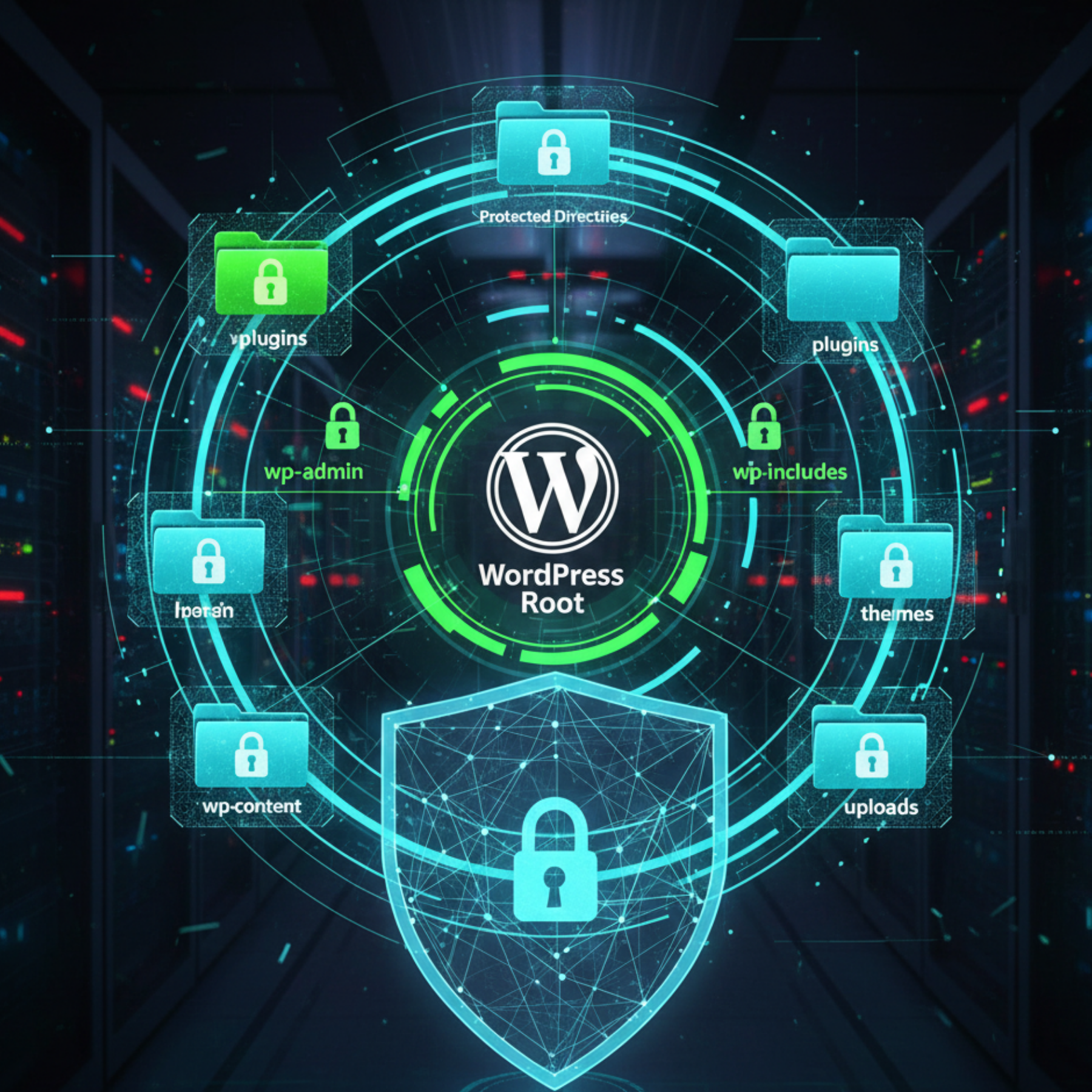
Securing a WordPress website is essential for protecting your data, maintaining uptime, and preventing cyberattacks. When hosting on AVIOX Cloud, you get a powerful VPS designed for performance and stability—but security still requires proper configuration. This guide walks you through the most important steps to secure your WordPress site at both the application and server levels, ensuring you stay safe from malware, bots, brute-force attacks, and vulnerabilities.
1. Start With a Secure VPS Foundation
Security begins with the server. AVIOX Cloud VPS offers strong baseline protections, but you should reinforce them with additional steps:
Update Your Server Packages
Always update Ubuntu/Debian packages to minimize exposure to known vulnerabilities:
Enable UFW Firewall
A firewall blocks unauthorized access. Allow only essential ports:
This ensures only web and SSH traffic can access your VPS.
2. Use Strong Login Security for WordPress
WordPress admin accounts are common targets for brute-force attacks. Strengthen protection with the following steps:
Use Strong Passwords
Replace easy passwords with long, complex combinations.
Enable Two-Factor Authentication (2FA)
Plugins such as Wordfence or Google Authenticator add an extra layer of security.
Change the Login URL
Changing /wp-admin helps reduce automated attacks by bots scanning for default login pages.
3. Install a Reliable Security Plugin
Security plugins help monitor threats, block suspicious users, and scan for malware:
Recommended Options
Wordfence Security
Sucuri Security
iThemes Security
These tools provide:
Firewall protection
Malware scanning
Login attempt monitoring
File integrity checking
Be sure to configure email alerts and enable advanced firewall rules.
4. Enable Automatic Backups
Backups ensure your site can be restored after infections or data loss. Use:
AVIOX Cloud backup space
WordPress plugins like UpdraftPlus or Jetpack Backup
Manual server-level backups
Store backups off-site to avoid losing data during an attack.
5. Configure SSL & HTTPS
Install SSL using AVIOX Cloud’s Auto-SSL or Let's Encrypt to encrypt data between the server and visitors. HTTPS helps with SEO, security, and trust.
Benefits
Protects user data
Prevents browser warnings
Secures login credentials
Ensure forced HTTPS redirection in .htaccess.
6. Keep WordPress Updated
Outdated versions of WordPress, themes, or plugins are the top cause of hacks. Keep everything updated automatically.
Avoid Using Nulled Themes
Nulled software often contains backdoors or hidden malware.
7. Harden File and Directory Permissions
Incorrect permissions create vulnerabilities. Use the following recommended settings:
Files: 644
Directories: 755
wp-config.php: 600
This prevents unauthorized modification of core WordPress files.
8. Disable PHP Execution in Uploads and Includes
Prevent hackers from executing malicious PHP scripts:
Create a .htaccess file in /wp-content/uploads/:
This helps stop malware from running inside your upload folder.
9. Limit XML-RPC Requests
XML-RPC can be abused for brute-force attacks. Disable it if not needed using a security plugin or:
10. Secure the Database
Enhance database protection with the following:
Use a strong MySQL password
Change the default WordPress table prefix
Disable remote MySQL access unless required
A secure database reduces the risk of SQL injection attacks.
11. Use a Content Delivery Network (CDN)
A CDN like Cloudflare enhances security by:
Blocking DDoS attacks
Hiding your server’s IP address
Improving speed
Providing WAF (Web Application Firewall) protection
Integrate Cloudflare with your AVIOX Cloud VPS for maximum protection.
12. Monitor VPS and WordPress Logs
Logs help detect unusual behavior such as repeated login attempts, failed requests, or suspicious IP traffic.
Check logs regularly:
/var/log/auth.logWordPress activity logs
Plugin firewall logs
This lets you take action before damage occurs.
Conclusion
WordPress security is an ongoing process. With AVIOX Cloud VPS, you have a strong technical foundation, but the right configurations and practices make your website truly resilient. By hardening your server, enabling firewalls, using SSL, applying security plugins, and monitoring activity, your WordPress site can remain safe, stable, and high-performing.
When implemented together, these security steps create a strong defense against cyber threats—ensuring your website, data, and visitors stay protected.
Leave a comment
Your email address will not be published. Required fields are marked *