
Load Balancer Configuration on AVIOX Cloud
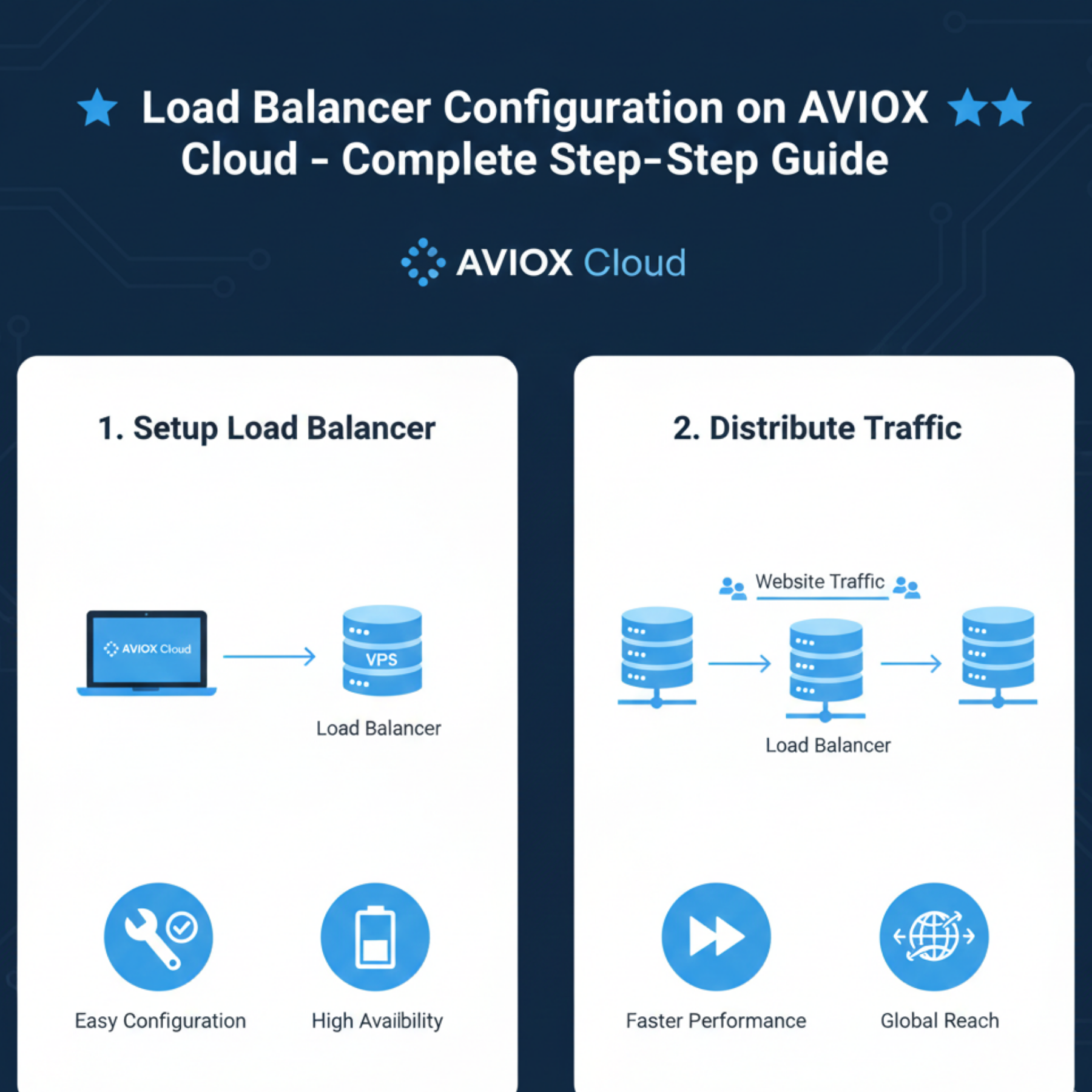
Load balancers are essential for any website or application that expects high traffic, requires redundancy, or needs to scale with user demand. AVIOX Cloud provides full support for load balancing setups, allowing you to distribute traffic across multiple servers efficiently. Whether you're running a web application, WordPress site, API, or enterprise system, a load balancer ensures high availability, stability, and optimized resource usage.
This guide explains how load balancers work, how to configure them on AVIOX Cloud, and the best practices for stable production environments.
1. What Is a Load Balancer?
A load balancer is a system that distributes incoming traffic across multiple servers (called backend nodes). Instead of directing all users to one machine, the load balancer spreads requests to optimize performance and prevent overload.
Main benefits:
High availability
Zero downtime during maintenance
Faster performance under heavy load
Automatic failover
Better utilization of server resources
For AVIOX Cloud users managing growing websites or applications, load balancing is a powerful upgrade.
2. Load Balancing Methods Explained
AVIOX Cloud supports several routing algorithms:
1. Round Robin
Sends requests evenly across all servers.
Best for: general traffic distribution.
2. Least Connections
Directs traffic to the server with the fewest active connections.
Best for: uneven workloads or dynamic applications.
3. IP Hash
Same user goes to the same server consistently.
Best for: sessions stored locally.
4. Weighted Round Robin
Servers get assigned weight based on power/capability.
Best for: different-sized servers.
Knowing the right algorithm helps you configure a smarter load balancer.
3. Preparing Your Servers
Before configuring the load balancer, verify:
Each backend server is functioning
Web server (Apache/NGINX) is installed
Identical site files or a shared file system
Databases synced or centralized
Firewall rules allow internal communication
4. Configuring Load Balancer on AVIOX Cloud (NGINX Example)
Install NGINX on your load balancer VPS:
Next, open the configuration file:
Add this block:
Reload NGINX:
You now have a functional load balancer distributing traffic to two backend servers.
5. Adding SSL (HTTPS) Support
To use HTTPS, install certificates on the load balancer:
Your NGINX config should include:
This ensures correct IP forwarding and request handling.
6. Health Checks
Health checks ensure the load balancer routes traffic only to healthy servers.
In NGINX:
Use the max_fails and fail_timeout parameters:
If a server becomes unresponsive, NGINX stops sending traffic to it.
7. Sticky Sessions (If Needed)
Web apps that use session-based authentication may need “sticky sessions.”
Add:
Or use cookies for stickiness via additional modules.
8. Using HAProxy for Advanced Load Balancing
HAProxy offers more advanced capabilities. Install it:
Sample config:
Reload:
HAProxy provides detailed monitoring and is ideal for high-traffic applications.
9. Load Balancer with Cloudflare
If you’re using Cloudflare:
Enable “Load Balancing” in dashboard
Add backend origins
Set health check interval
Assign traffic distribution
Cloudflare’s global edge network boosts performance significantly.
10. Best Practices for AVIOX Cloud Load Balancers
Use internal private IPs for backend communication
Sync files using Git, Rsync, or centralized storage
Keep database on a separate dedicated server
Enable firewall rules for backend nodes only
Monitor backend server performance
Always use HTTPS on public-facing endpoints
Conclusion
A well-configured load balancer is a powerful tool for improving uptime, performance, and scalability. AVIOX Cloud makes it easy to deploy advanced load-balancing setups using NGINX, HAProxy, or Cloudflare. Whether you’re scaling an application, hosting high-traffic WordPress sites, or preparing for future growth, load balancing ensures your infrastructure stays reliable and efficient.
Leave a comment
Your email address will not be published. Required fields are marked *