
How to Use LiteSpeed for Maximum Speed on High-Traffic AVIOX Cloud Websites
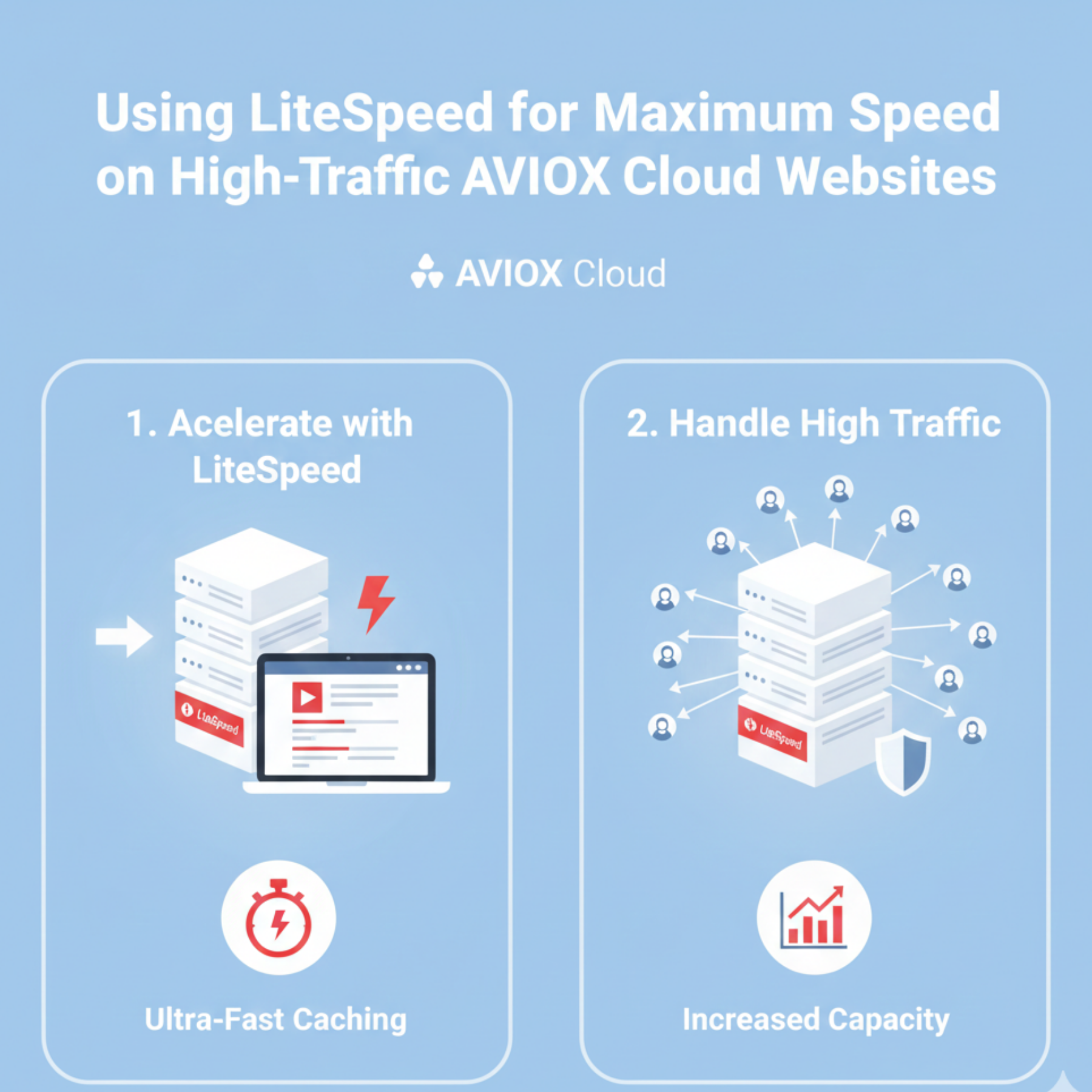
High-traffic websites demand more than just a powerful VPS—they require a web server that can process thousands of concurrent connections efficiently. LiteSpeed is one of the best technologies available today for accelerating website performance, reducing server load, and maintaining strong stability even under heavy visitor activity. When combined with the performance of AVIOX Cloud infrastructure, LiteSpeed delivers exceptional speed and scalability.
This guide explains everything you need to configure and optimize LiteSpeed for peak performance on AVIOX Cloud.
1. Why LiteSpeed is Ideal for High-Traffic Websites
LiteSpeed handles traffic more efficiently than Apache or Nginx due to:
Event-driven architecture
Built-in server cache (LSCache)
Optimized PHP processing using LSAPI
Lower CPU and RAM usage
Native HTTP/3 + QUIC support
These features allow LiteSpeed to outperform traditional web servers, especially on resource-intensive and high-traffic setups.
2. Installing LiteSpeed on AVIOX Cloud
OpenLiteSpeed (Free)
LiteSpeed Enterprise (Paid)
Perfect for eCommerce, SaaS platforms, and heavy WordPress sites.
Activate license:
LiteSpeed Admin Panel:https://your-server-ip:7080
3. Configure PHP Using LSAPI
PHP-LSAPI is the fastest PHP handler available for LiteSpeed.
Install:
Update the server to use LSAPI via WebAdmin.
4. Enable LSCache for Maximum Performance
LSCache is the most important performance booster for WordPress, Joomla, Magento, OpenCart, and more.
WordPress Plugin:
Install LiteSpeed Cache plugin.
Enable:
Page Cache
Object Cache (Redis recommended)
Image Optimization
CDN Mapping
Browser Cache
CSS/JS Optimizations
This alone can boost PageSpeed scores to 90–100.
5. Enable HTTP/3 and QUIC
LiteSpeed supports QUIC by default, improving performance for mobile visitors.
Enable in WebAdmin:
6. Enable Brotli or Gzip Compression
Compression lowers page size and boosts speed.
Enable:
7. Optimize Virtual Hosts for AVIOX Cloud
Configure for maximum performance:
Use cache rules
Set high worker connections
Enable Cloudflare or CDN
Limit request body sizes
Enable rate limiting if needed
8. Use Redis for Object Caching
LiteSpeed + Redis delivers ultra-fast caching.
Install Redis:
Enable in WordPress LSCache plugin.
9. Optimize Security Settings
LiteSpeed includes:
ModSecurity
Anti-DDoS protection
Bot filtering
Request throttling
reCAPTCHA defense
Configure via WebAdmin Security tab.
10. Monitoring Performance
Use LiteSpeed WebAdmin → Real-Time Stats to monitor:
Traffic
Bandwidth
CPU load
Cache hit/miss ratio
Request throughput
Additionally use AVIOX Cloud’s monitoring tools for full server insights.
Conclusion
LiteSpeed transforms the performance of high-traffic websites hosted on AVIOX Cloud. By combining event-driven architecture, powerful caching, modern protocol support, and optimized PHP handling, it offers unmatched scalability and responsiveness. Whether you're running a fast-growing content site, an eCommerce store, or a business application, LiteSpeed on AVIOX Cloud delivers the reliability and speed your users expect.
Leave a comment
Your email address will not be published. Required fields are marked *