
How to Stop Your Emails from Going to Spam: Complete Delivery & Reputation Guide
Email remains one of the most important communication tools for businesses today. Whether you're sending invoices, newsletters, login notifications, or customer messages, your email must reach the inbox—not the spam folder. Yet millions of legitimate emails are flagged as spam every day due to poor domain reputation, incorrect authentication settings, bad server configuration, or risky mailing practices.
If your emails are being marked as spam, it's not always your fault. Modern spam filters use dozens of signals to evaluate each message. Understanding these factors and configuring your systems properly can significantly improve deliverability. In this guide, we explain exactly why emails land in spam and how to prevent it across any email system or cloud server.
Why Emails Go to Spam
Spam filtering systems analyze multiple factors, including domain reputation, sending behavior, authentication records, message content, and user engagement. If any of these fail, your email risks being flagged.
The most common reasons include:
Missing SPF, DKIM, or DMARC
IP address with poor reputation
"Spam-like" content or formatting
High bounce rates
Sudden spike in send volume
Blacklisted server IP
Using shared hosting email
Bad HTML email structure
Fixing these areas strengthens your email ecosystem and ensures reliable inbox delivery.
1. Configure Essential Email Authentication
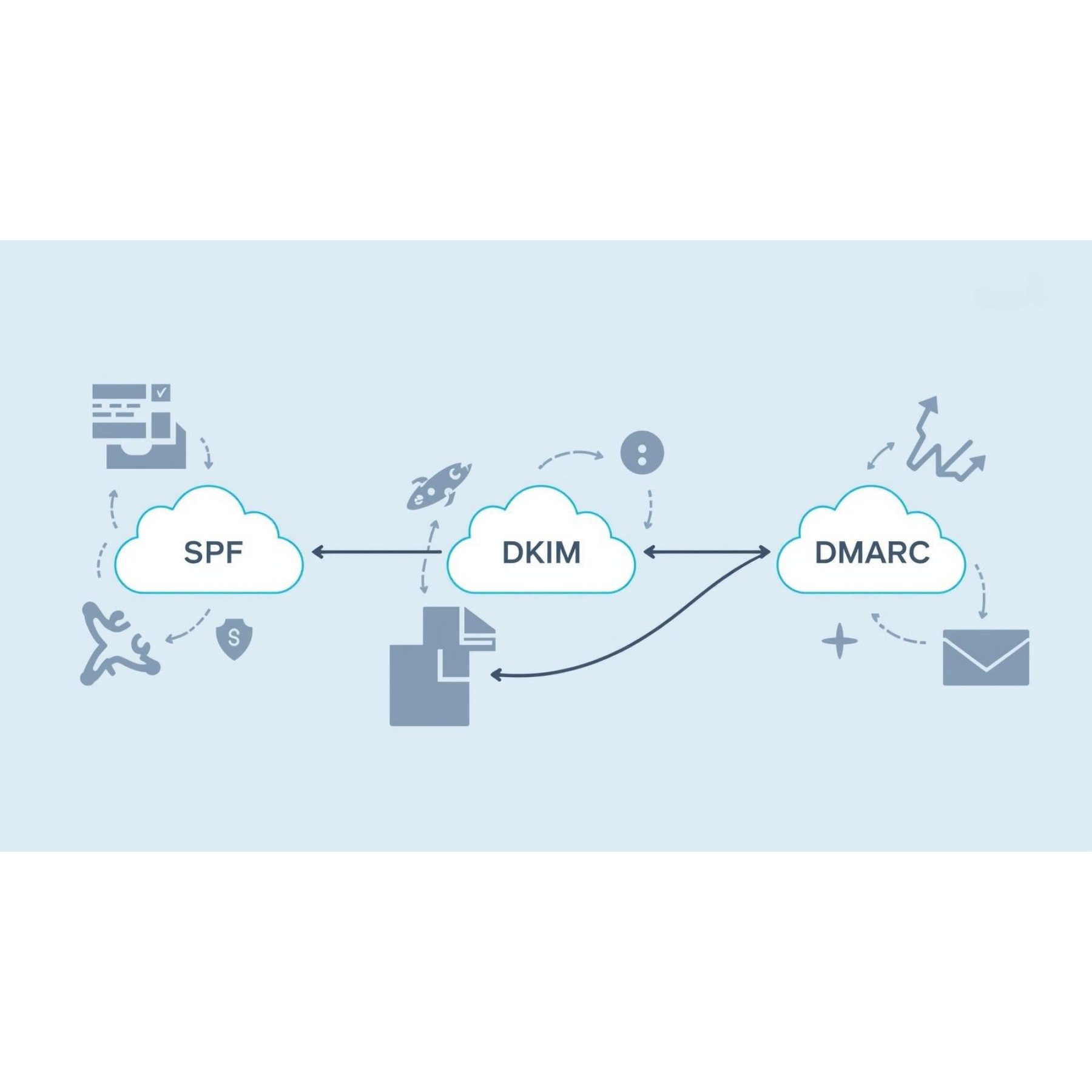
The most important requirement for avoiding spam is enabling SPF, DKIM, and DMARC.
SPF (Sender Policy Framework)
SPF tells receiving mail servers which IP addresses are allowed to send email on your domain’s behalf. Without SPF, your domain can be easily spoofed, and emails often land in spam.
DKIM (DomainKeys Identified Mail)
DKIM adds a digital signature to each email. This proves the message wasn't tampered with and improves trust.
DMARC (Domain-Based Message Authentication, Reporting & Conformance)
DMARC provides alignment rules and tells providers what to do if SPF/DKIM fail. It also sends you reports about unauthorized activity.
When properly configured:
Gmail trusts your messages more
Outlook reduces spam filtering
Your domain stays protected from spoofing
Deliverability improves dramatically
2. Warm Up Your Domain
Brand-new domains often have zero reputation. Sending bulk email immediately can trigger spam filters. Warm-up strategy includes:
Sending small volumes at first
Gradually increasing volume
Encouraging recipients to open and reply
This builds trust with mail providers.
3. Maintain Clean Email Lists
Spam complaints and bounces damage your sender score. Clean your list by:
Removing inactive subscribers
Eliminating invalid emails
Using double opt-in
Avoiding purchased lists
Healthier lists = better inbox placement.
4. Avoid Spam-Trigger Words
Words like “FREE!!!,” “urgent,” “guaranteed,” or excessive punctuation often activate content filters. Write naturally and avoid manipulative phrasing.
5. Improve Your Server Reputation
If you send email from a VPS or dedicated IP, reputation is critical. Follow best practices:
Keep server secure (avoid malware sending spam)
Disable open relays
Monitor outbound traffic
Use reverse DNS (PTR record)
Configure HELO/EHLO correctly
A properly configured mail server rarely ends up in spam.
6. Ensure Good Email Design
Poor formatting can get flagged. Use:
Clean HTML
Responsive templates
Proper text-to-image ratio
Clear unsubscribe links
Good design signals legitimacy.
7. Monitor Blacklists
IP or domain blacklisting can instantly destroy deliverability. Tools like MXToolbox or Spamhaus help you detect problems early.
Conclusion
Preventing emails from going to spam requires a mix of technical setup, sender reputation management, and healthy mailing practices. By implementing SPF, DKIM, DMARC, strong list hygiene, and secure server configurations, your messages consistently reach recipients. Email deliverability is not luck—it’s engineering.