
How to Enable HTTP/2 on AVIOX Cloud Servers for Faster Website Loading
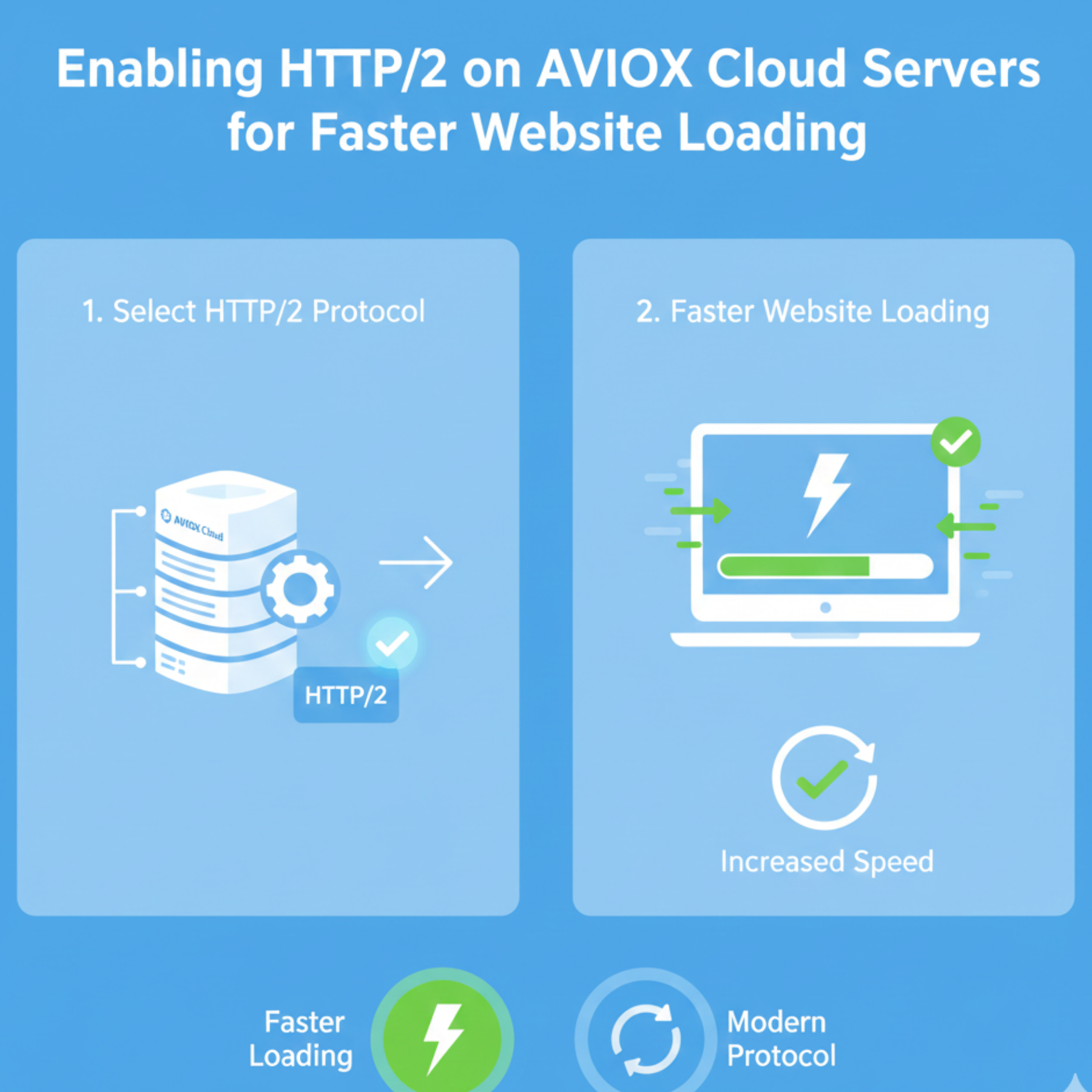
In the fast-paced digital world, website speed is everything. Users expect fast-loading pages, smooth navigation, and instant response times. One of the most effective ways to increase site speed is by switching from HTTP/1.1 to HTTP/2. AVIOX Cloud makes this process simple, allowing you to enable HTTP/2 across multiple server setups including Apache, Nginx, LiteSpeed, and cPanel/Plesk. This guide explains what HTTP/2 is, why it matters, and how you can enable it step-by-step.
What Is HTTP/2?
HTTP/2 is the modern version of the HTTP protocol that powers the web. It was designed to eliminate delays and inefficiencies found in HTTP/1.1. With features like multiplexing, header compression, and prioritization, HTTP/2 allows browsers to download multiple files simultaneously without opening multiple connections. This results in drastically faster loading times.
Why Enable HTTP/2 on AVIOX Cloud?
AVIOX Cloud servers are optimized for speed and scalability, and enabling HTTP/2 enhances this even further:
Faster page loading
Reduced latency
Better mobile performance
Improved SEO ranking signals
Efficient handling during high-traffic periods
Enhanced CDN compatibility
HTTP/2 works best when paired with HTTPS, which AVIOX Cloud fully supports through Auto-SSL, Let’s Encrypt, and dedicated certificates.
Prerequisites for Enabling HTTP/2
Before proceeding, ensure the following:
Your website is using HTTPS
Your server OS and web server software are updated
You have access to SSH, WHM, or Plesk
Your AVIOX Cloud VPS or hosting plan supports HTTP/2 (most do)
How to Enable HTTP/2 on Different AVIOX Cloud Server Types
1. Enabling HTTP/2 on Apache
To enable HTTP/2 on an Apache-based AVIOX Cloud VPS:
Update Apache to the latest version.
Enable the HTTP/2 module:
Modify the Apache configuration:
Add this inside your SSL VirtualHost:Restart Apache:
Apache only enables HTTP/2 over HTTPS by default.
2. Enabling HTTP/2 on Nginx
Nginx includes HTTP/2 support built-in.
Edit your server block:
Restart Nginx:
You must ensure your SSL certificate is correctly installed for this to work.
3. Enabling HTTP/2 on LiteSpeed Web Server
LiteSpeed automatically supports HTTP/2 out of the box on SSL-enabled sites. If it is disabled, you can enable it from the LiteSpeed WebAdmin Console:
Navigate to Listeners → SSL Listener
Enable HTTP/2 Support
AVIOX Cloud’s LiteSpeed plans make this the easiest option.
4. Enabling HTTP/2 in cPanel/WHM
HTTP/2 is typically enabled automatically in cPanel-based servers running EasyApache 4.
To confirm:
Log into WHM
Go to Apache Configuration → Global Configuration
Ensure “HTTP/2” is enabled
Then restart Apache.
5. Enabling HTTP/2 in Plesk
Plesk allows HTTP/2 with a single toggle:
Go to Tools & Settings → Apache & Nginx Settings
Enable HTTP/2
Restart services
How to Check if HTTP/2 Is Working
Use any of these methods:
Chrome DevTools → Network tab → Check “protocol” column
Online testers (e.g., HTTP2.Pro)
Curl command:
If “HTTP/2” appears, it is working successfully.
Troubleshooting
Some issues that may stop HTTP/2:
SSL not properly installed
Outdated Apache/Nginx version
Conflicting modules
CDN misconfiguration
Reverse proxy interfering
Always restart services after enabling HTTP/2.
Conclusion
Enabling HTTP/2 on AVIOX Cloud is one of the best performance upgrades you can apply with minimal effort. Whether your server uses Apache, Nginx, LiteSpeed, cPanel, or Plesk, the process is straightforward. With faster loading speeds, better SEO performance, and improved user experience, HTTP/2 is essential for any modern website. AVIOX Cloud provides all the tools you need to enable it quickly and properly.
Leave a comment
Your email address will not be published. Required fields are marked *