
Fixing Mixed Content Issues in Chrome on AVIOX Cloud Sites
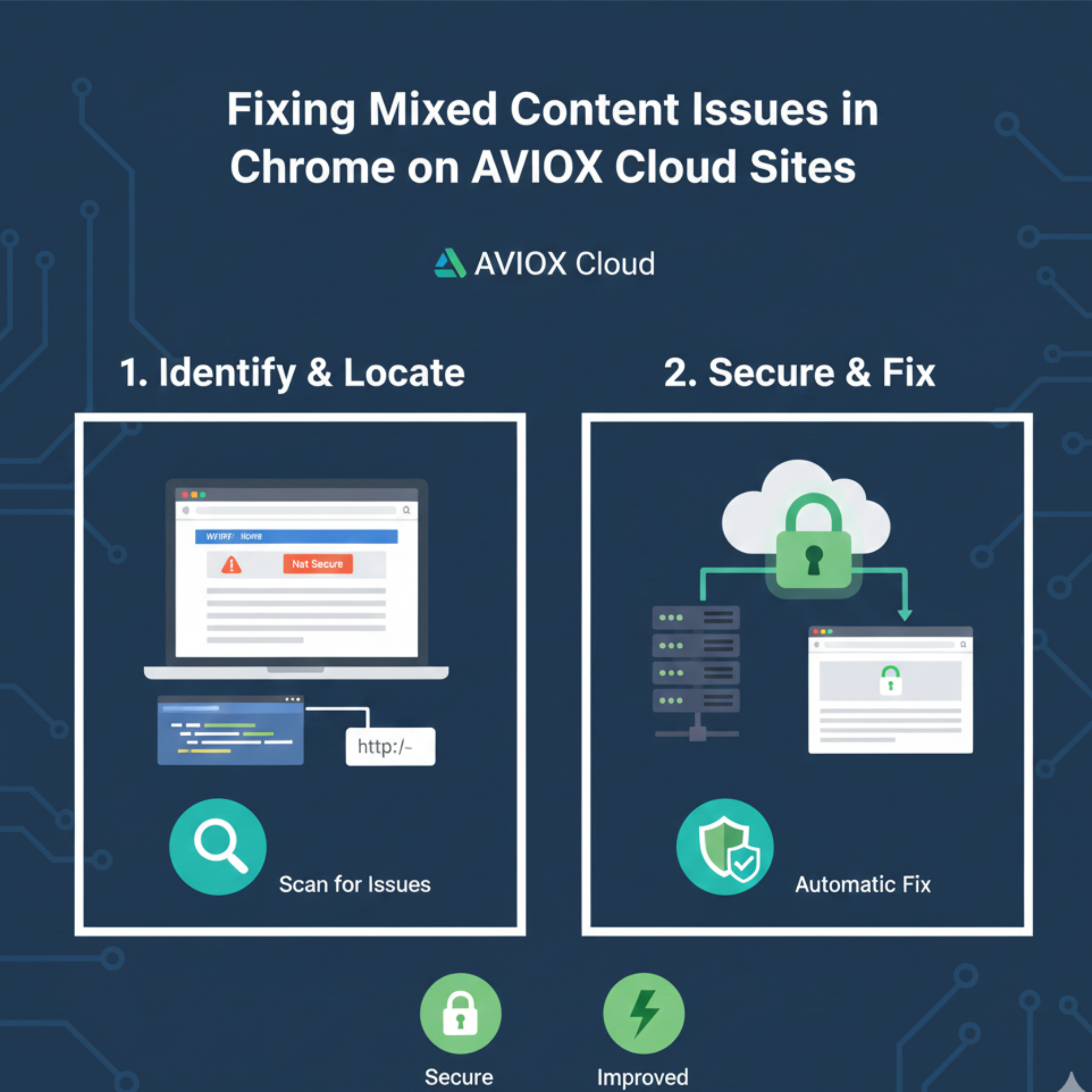
Mixed content issues are one of the most common problems website owners face after enabling SSL certificates on AVIOX Cloud servers. Even with proper HTTPS configuration, browsers like Google Chrome may still display warnings—or even block certain content—if the site loads any insecure HTTP resources. These mixed content errors negatively impact security, SEO rankings, and user trust. Fortunately, these issues are fully fixable with systematic troubleshooting.
This complete guide explains what mixed content means, why it occurs, and how to permanently resolve it on AVIOX Cloud environments.
What Are Mixed Content Issues?
Mixed content occurs when a webpage is served over HTTPS but loads one or more resources using HTTP. Chrome considers this unsafe because attackers can intercept insecure connections, even when the main page is secure.
Common mixed content resources include:
Images
JavaScript files
CSS files
External fonts
API calls
Embedded scripts or analytics
External iframes
Chrome may show warnings like “This site is not fully secure” or block scripts entirely.
AVIOX Cloud supports full HTTPS, but improper configurations or old resource links often trigger mixed content.
Why Mixed Content Happens on AVIOX Cloud Websites
Several situations lead to mixed content:
Hardcoded HTTP links in your website files
Many themes and plugins contain static links that still use HTTP.Incorrect WordPress or CMS URL settings
Using HTTP in the site address forces insecure resource loading.External scripts not supporting HTTPS
Third-party services may still serve insecure files.Reverse proxy or CDN misconfiguration
If Cloudflare or a load balancer isn't set to HTTPS, mixed content occurs.Legacy database entries from older website versions
Old records often contain HTTP links that remain after migration.
Understanding why mixed content appears is critical before applying fixes.
How to Detect Mixed Content Issues in Chrome
Chrome makes it easy to identify the insecure elements:
1. Use Developer Tools
Press F12 → Go to Console.
Errors appear as:
This tells you exactly which file is causing the issue.
2. Use online scanners
Tools like:
WhyNoPadlock
SSL Labs
JitBit SSL Checker
These highlight every insecure request on your AVIOX Cloud site.
How to Fix Mixed Content on AVIOX Cloud
1. Update Resource URLs to HTTPS
Replace all HTTP URLs in:
HTML files
CSS files
JavaScript files
WordPress settings
Template files
On WordPress, update site URLs here:Settings → General → Site URL & WordPress URL
Use HTTPS both times.
2. Fix Mixed Content in Databases
Many internal links are stored in the database.
For WordPress, update them with WP-CLI:
Or manually through phpMyAdmin.
3. Configure .htaccess for SSL Redirection
Add this to force HTTPS:
This ensures no HTTP requests ever load.
4. Fix Mixed Content on NGINX
Add the following:
This automatically redirects users to secure links.
5. Update Hardcoded URLs in Themes & Plugins
Many themes include assets like:
Change to:
Or use protocol-relative URLs:
6. Ensure External Resources Support HTTPS
If third-party resources load via HTTP, replace them with HTTPS versions.
If the provider does not support HTTPS, remove or replace the script.
7. Check CDN, Cloudflare, or Load Balancer Settings
For Cloudflare:
Enable Always Use HTTPS
Turn on Automatic HTTPS Rewrites
For AVIOX Cloud load balancers, ensure SSL termination is configured properly.
8. Clear Cache After Fixing
Once done, clear:
Browser cache
CDN cache
Server cache
WordPress caching plugins
This ensures Chrome loads updated secure URLs.
Final Thoughts
Mixed content issues are extremely common after enabling SSL or migrating a site to AVIOX Cloud. While the errors may seem technical, the underlying problems typically come down to outdated HTTP links, resource misconfiguration, or missing redirects. By following this step-by-step approach—detecting insecure content, updating URLs, configuring HTTPS rules, and clearing caches—you can ensure your website is fully secure and trusted by modern browsers.
AVIOX Cloud supports robust SSL features, so once configured correctly, your site will run safely under HTTPS without recurring warnings.
Leave a comment
Your email address will not be published. Required fields are marked *