
Adding IPv6 Connectivity to Your VPS
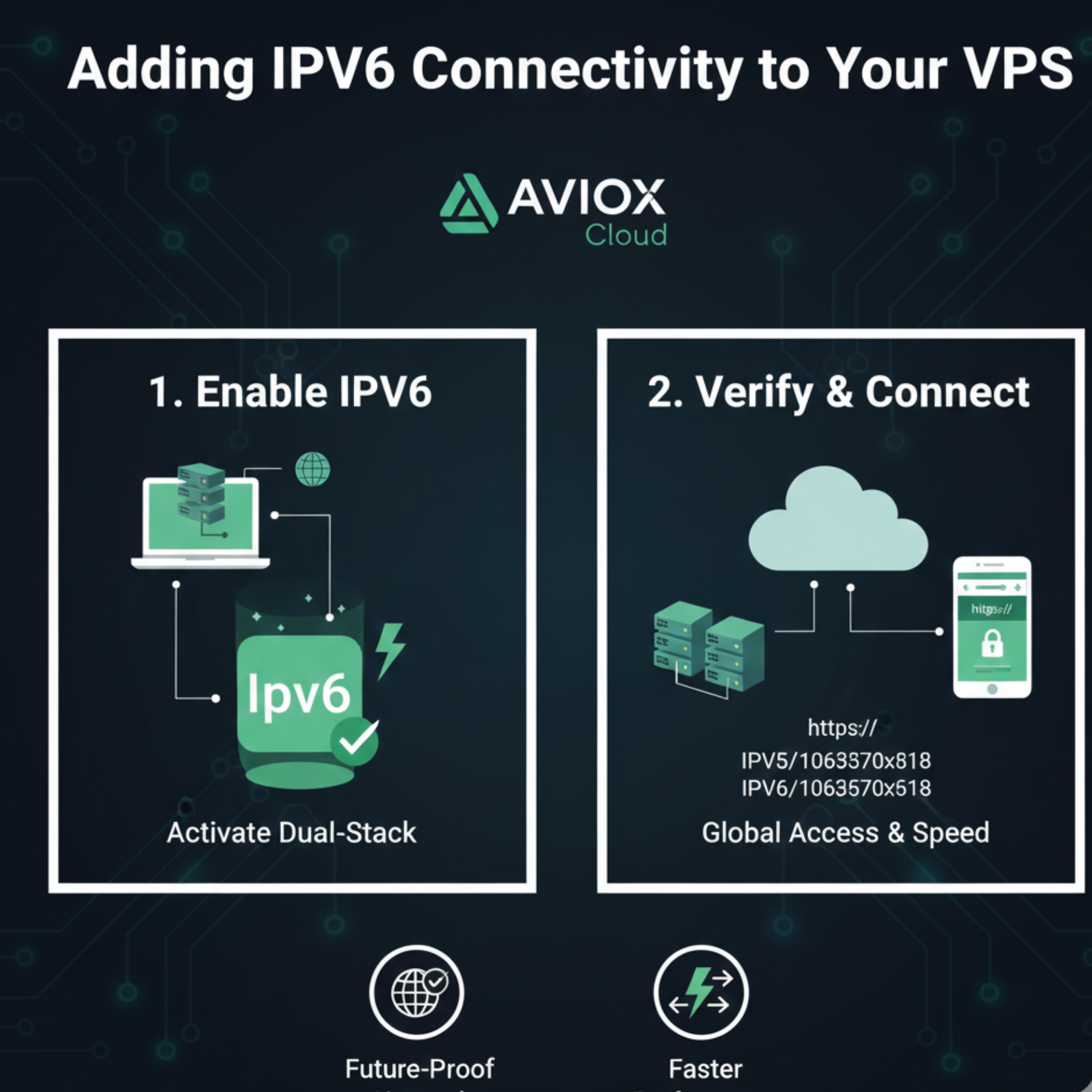
IPv6 is the next-generation internet protocol designed to replace the limited IPv4 address system. As websites, mobile apps, and servers grow, IPv6 becomes essential for speed, connectivity, and global reach. AVIOX Cloud fully supports IPv6, allowing users to build modern, scalable infrastructure. This step-by-step guide shows how to activate IPv6 on your VPS, test configuration, and use it across your hosting environment.
1. Why IPv6 Matters
IPv4 provides around 4.3 billion addresses—far too few for today’s devices. IPv6 solves this limitation by offering 340 undecillion unique addresses, along with several benefits:
Faster routing
Better security with mandatory IPsec compatibility
Improved mobile performance
No need for NAT (Network Address Translation)
Global device addressing
As internet providers and CDNs move toward IPv6, enabling it on your AVIOX Cloud VPS is a smart upgrade.
2. Check If Your AVIOX Cloud VPS Supports IPv6
Most AVIOX VPS plans come with one or more IPv6 addresses. You can confirm availability in:
The VPS management panel
Network interface section
Server provisioning email
If IPv6 is disabled by default, you’ll enable it manually through network configuration.
3. Configure IPv6 on Ubuntu/Debian VPS
Edit the network configuration file:
Netplan (Ubuntu 18+):
Apply changes:
4. Configure IPv6 on CentOS/Rocky/AlmaLinux
Edit:
Add:
Restart networking services.
5. Enable Dual Stack (IPv4 + IPv6)
To support both protocols:
Keep existing IPv4 configuration
Add corresponding IPv6 entries
Ensure firewall supports both families
This allows your website to serve all modern visitors.
6. Update Firewall for IPv6
UFW:
Set:
Then reload:
Add rules:
Firewalld:
IPv6 is automatically supported with these services.
7. Test IPv6 Connectivity
Try the following commands:
Check online tools:
ipv6-test.com
test-ipv6.com
If they show your IPv6 address, configuration is successful.
8. Configure IPv6 for Websites
Add AAAA DNS Records
In your DNS manager (AVIOX Cloud, Cloudflare, Namecheap), add:
This enables website access via IPv6.
9. IPv6 for Apache / NGINX
NGINX:
Apache:
Restart the web server afterward.
10. Benefits After Enabling IPv6
Once IPv6 is active, your AVIOX Cloud VPS gains:
Faster global access
Better performance in regions where IPv6 is dominant
Improved SEO (Google supports IPv6 indexing)
Lower latency for mobile networks
Future-proofing your infrastructure
Conclusion
Enabling IPv6 on your AVIOX Cloud VPS is one of the most valuable steps for modernizing your hosting environment. With massive address availability, enhanced routing, and superior performance, IPv6 ensures your apps and websites stay fast and accessible worldwide. Using this guide, you can configure IPv6 on any Linux distribution, test connectivity, update DNS settings, and deploy dual-stack hosting confidently.
Leave a comment
Your email address will not be published. Required fields are marked *